From blind spots to real-time visibility - logging every machine event
Machine BlackBox started as a focused answer to one problem on the shop floor: nobody knew a machine had gone down until it had already cost them production time. It’s since become the core hardware/software product behind 54Soft’s AI & IoT Platform - the same log-capture approach, now built to serve any manufacturer who needs real visibility into their machines instead of finding out about problems after the fact.
Overview
- Captures logs and events from manufacturing machines in real time - faults, stops, finished parts, operator logins
- Adds its own sensors: temperature, humidity, vibration and an alert when the box is moved or knocked
- Every board has a factory identity and signs every request it sends - no unauthenticated data reaches the cloud
- Web portal with a hall map, mobile app for setup over Bluetooth, and an AI assistant that answers questions about the machines
- Forms the core of 54Soft's own AI & IoT Platform, already proven in production
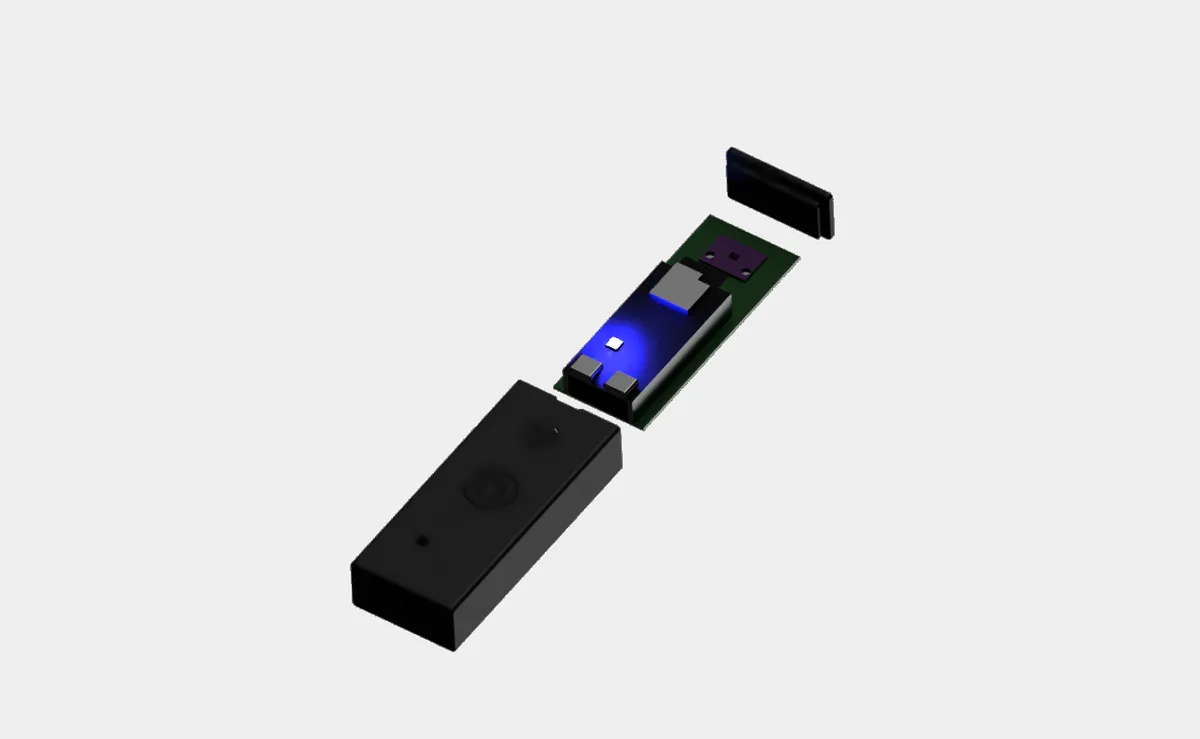
Manufacturers typically find out about a machine outage or a performance drop only after someone notices it on the shop floor - by then, the production time is already lost. Machine BlackBox is 54Soft's own device that sits next to the machine, receives its logs and events continuously and sends them to the cloud, turning that blind spot into real-time data. It's the foundation of our AI & IoT Platform - already proven in production on the shop floor.
How it works
Connect
The machine joins its BlackBox over the factory network or the box's own Wi-Fi hotspot and authenticates with a per-board secret.
Capture
Log lines and events stream in, tagged by severity and category. Every finished part is an event, alongside temperature, humidity and vibration readings.
Sign & send
Each board signs every request with a key provisioned against its factory certificate before the data reaches the Azure backend.
See & ask
The portal shows every hall as a live map, the mobile app handles setup over Bluetooth, and the AI assistant answers questions about the machines.
- ESP32-S3
- Wi-Fi
- Bluetooth
- Microsoft Azure
- Microsoft Entra ID
- MCP server
Solution & Result
The machine connects to its BlackBox over the factory network or the box's own Wi-Fi hotspot, authenticates with a per-board secret and streams what it does: log lines, and events marked by severity and category - production, maintenance, logins. Each finished part is an event, so production counts come straight from the machine rather than from operator reports. Alongside that, the box measures temperature, humidity and vibration, and once calibrated on its mounting it raises an alert if it is moved or knocked. Everything goes to an Azure backend, and each board signs every request with a key it received when it was provisioned against its factory certificate.
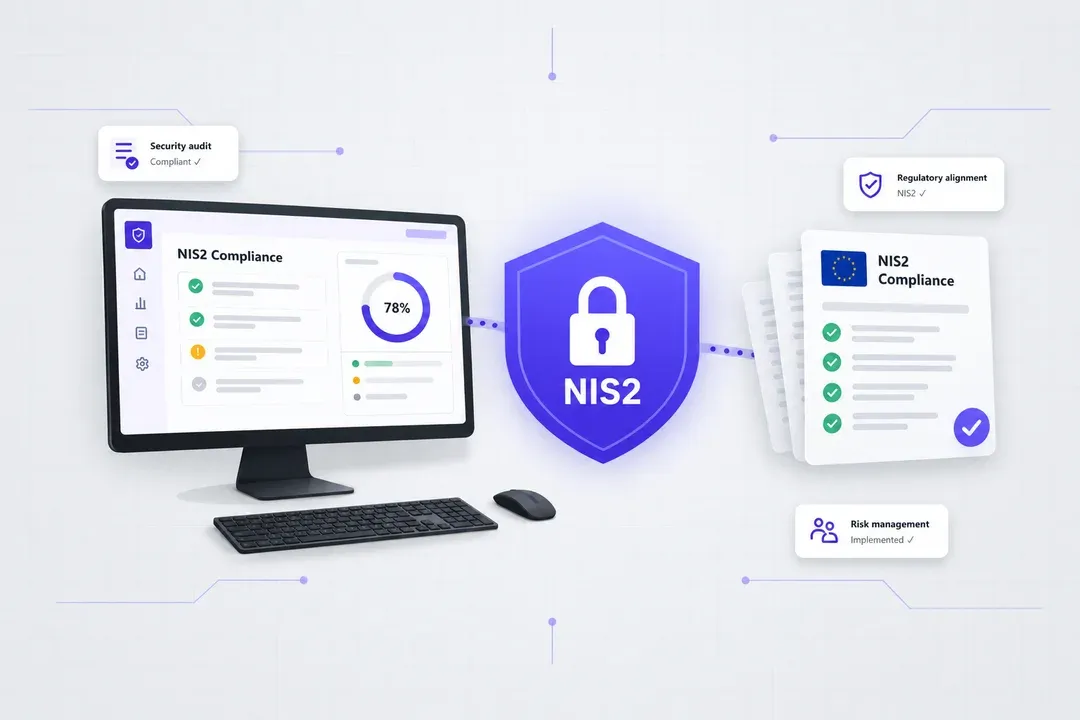
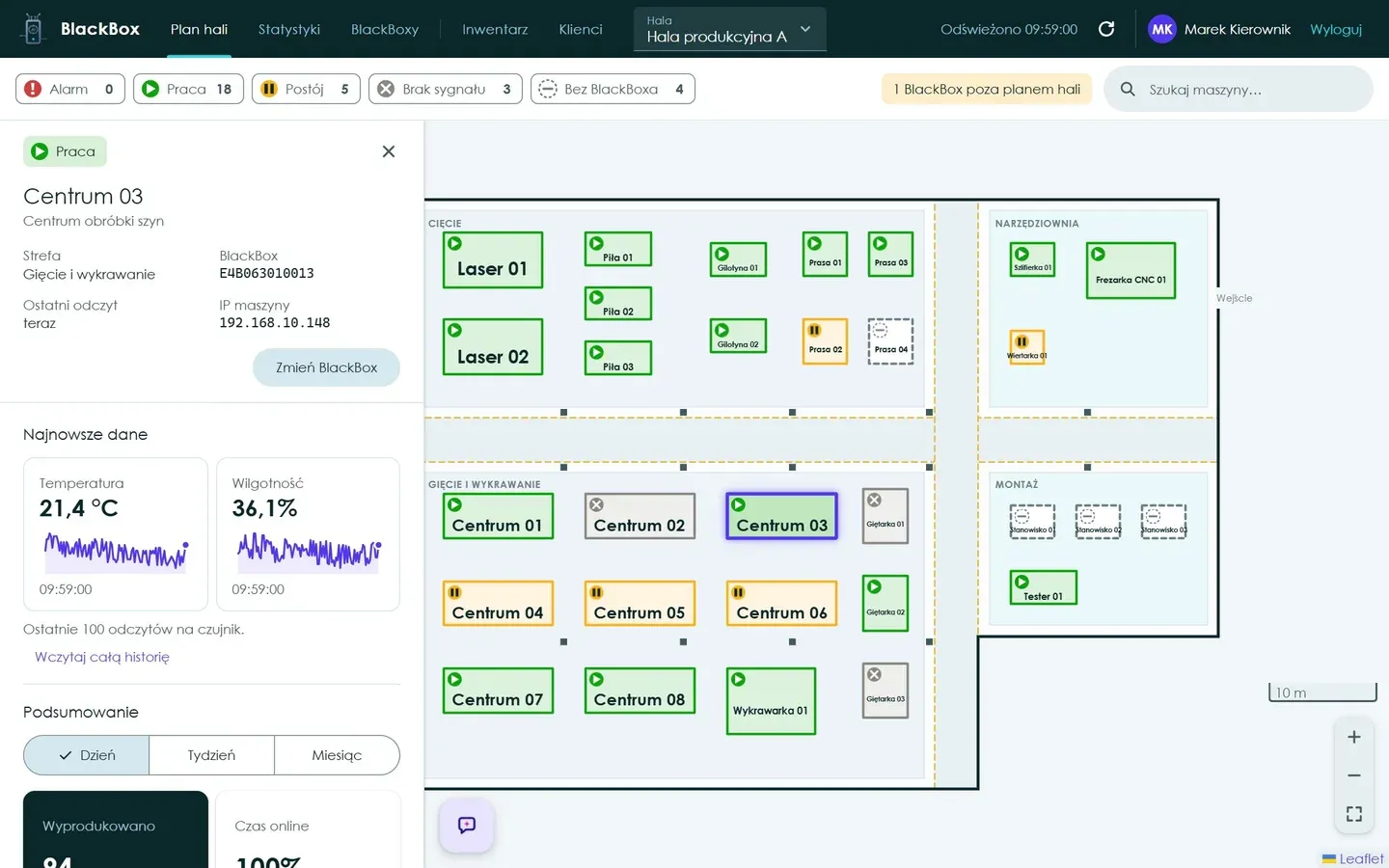
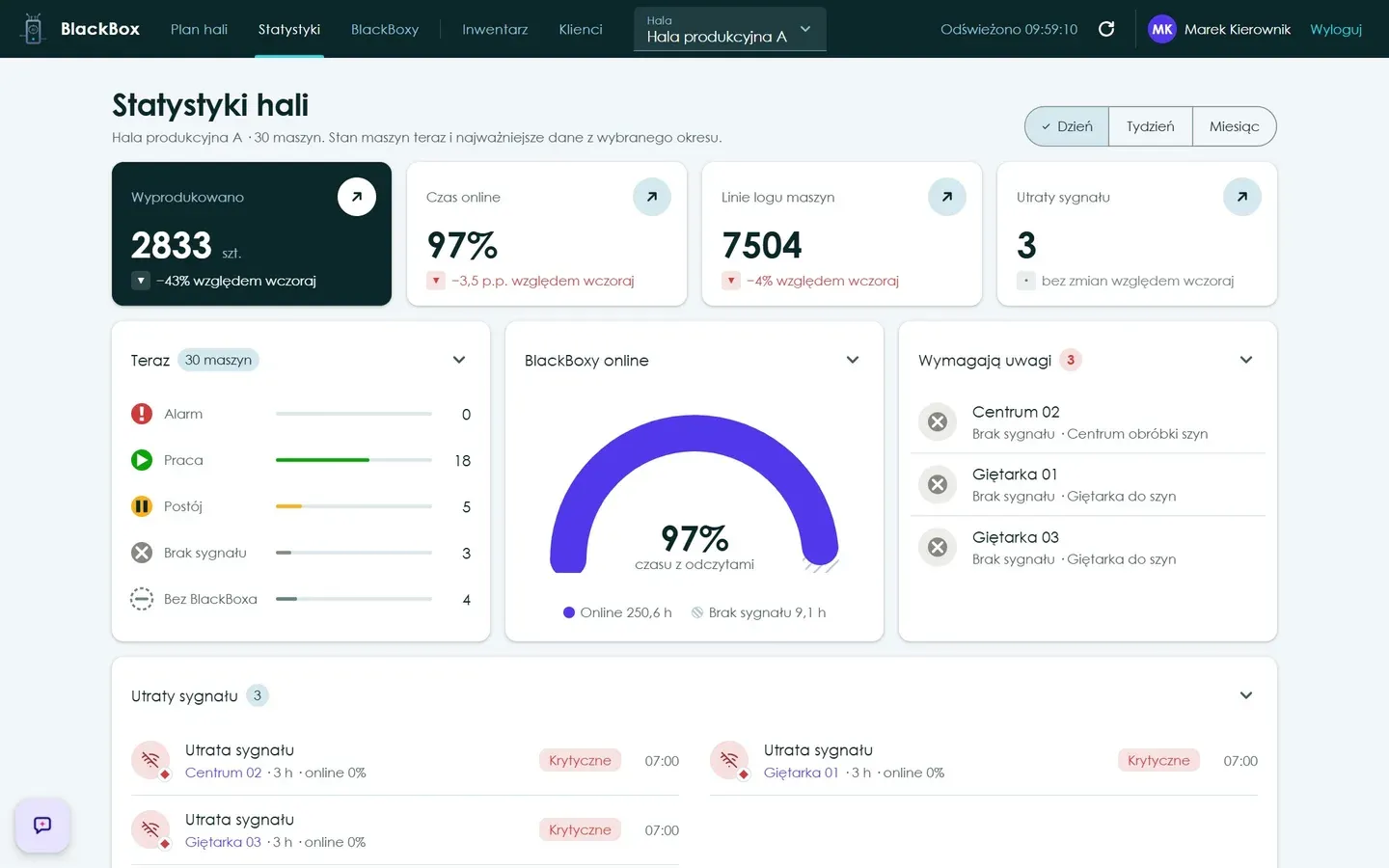
That data powers the rest of the platform. The web portal shows each hall as a map with every machine's status, production, events and sensor history, and lets service requests be raised and closed. The mobile app pairs a new BlackBox over Bluetooth, sets up its Wi-Fi and calibrates it in place. An AI assistant built into the portal - also available to other AI agents through our MCP server - answers questions such as which machine stopped most often this week. Sign-in goes through Microsoft Entra ID, and each customer sees only its own halls, which supports NIS2-relevant production visibility. The same device underpins the AI & IoT Platform we offer to manufacturers.